It Matters

decorative

Resources

Print and digital graphics and materials for categories:
alcohol, cocaine, fentanyl, marijuana, methamphetamine, prescription drugs, tobacco, and vaping, catered towards youth.

  • Digital Ad (300 x 250 px)
  • Door Hanger (3.25“ x 8” – single side)
  • Facebook Graphic (1200 x 900 px)
  • Instagram Graphic (1080 x 1080 px)
  • Poster (11“ x 17”)
  • Print Ad (7.625” x 6”)
  • Sticker (4” x 3.25”)
  • Stuffer (6.5” x 3.625” – single side)
  • X Graphic (800 x 320 px)

Individual Files

Alcohol

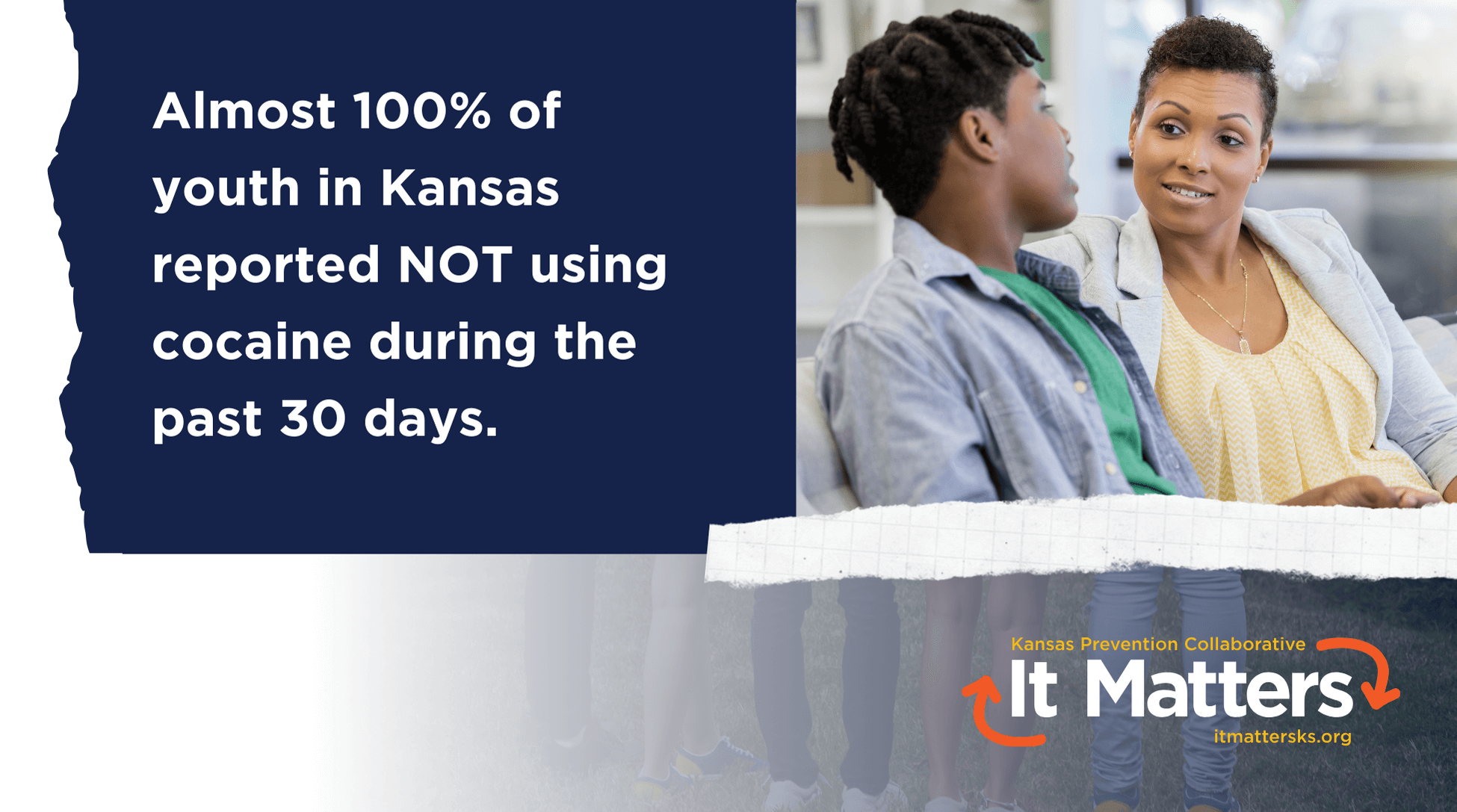
Cocaine

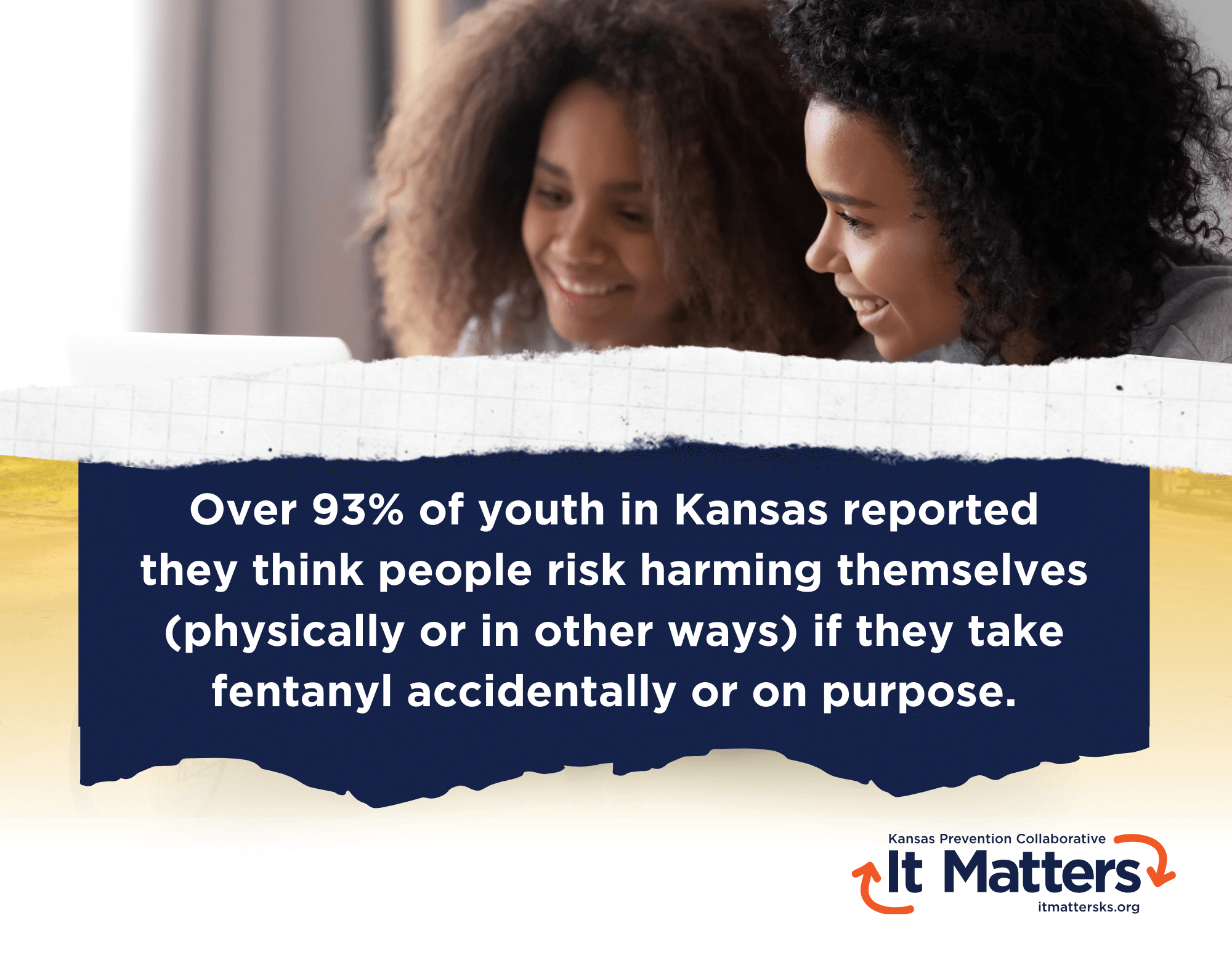
Fentanyl

Marijuana

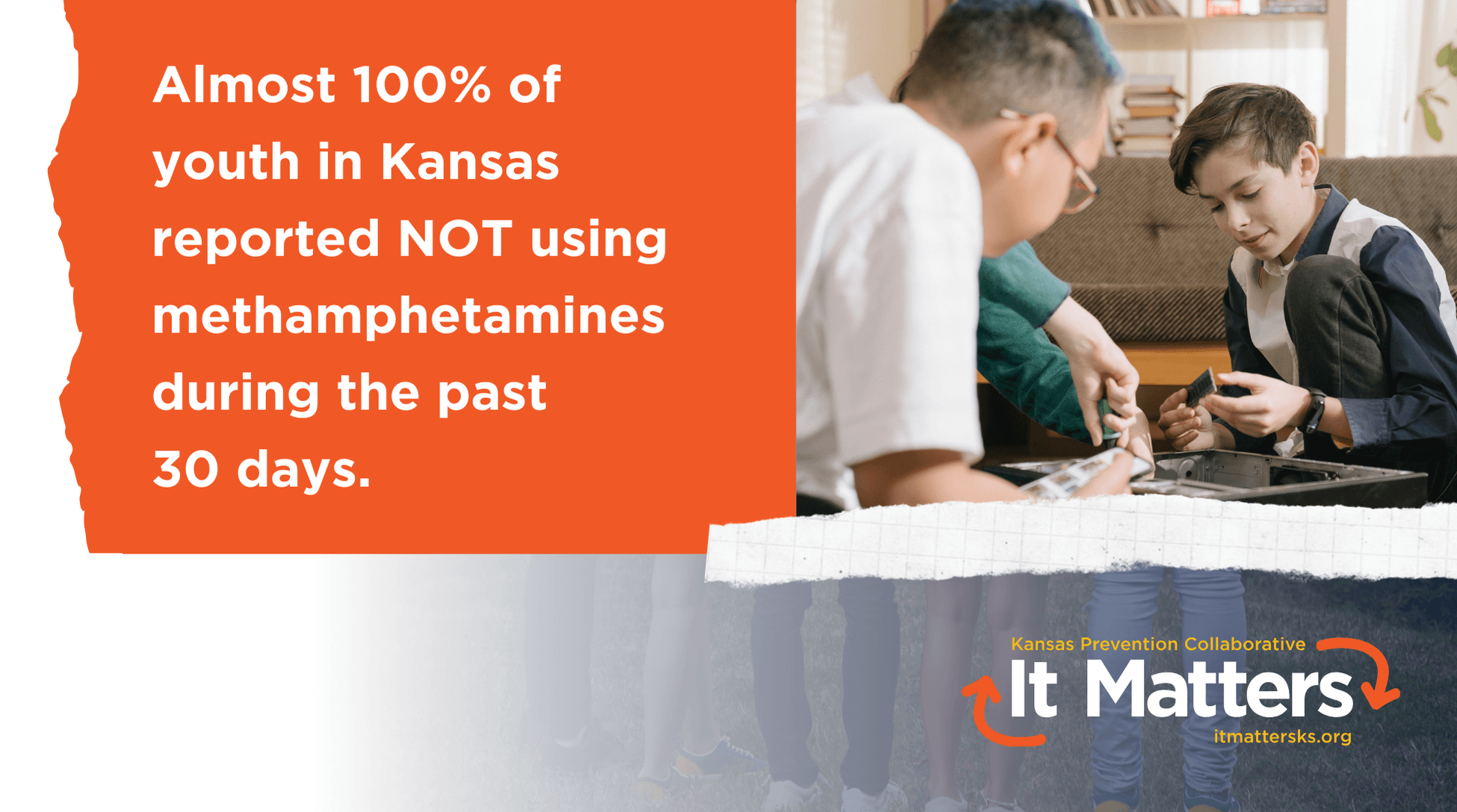
Methamphetamine

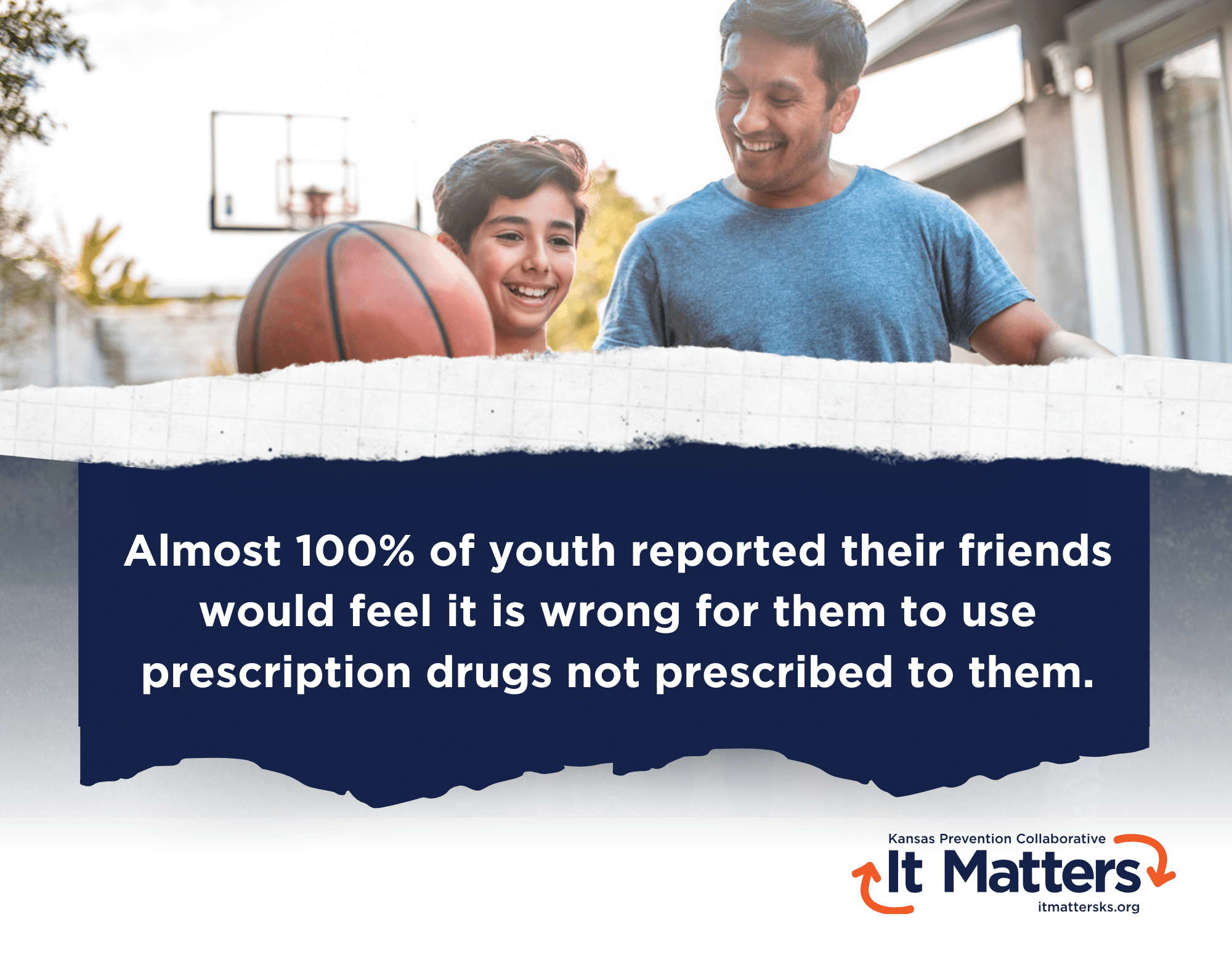
Prescription Drugs

Tobacco

Vaping

decorative

All files are free for use in your own communications and sharing.
They are also available for you to add your coalition’s or organization’s logo and contact information.
If assistance with this task is desired, email KPCTeam@wichita.edu.

About Us

The Kansas Prevention Collaborative is a service of the Kansas Department for Aging and Disability Services (KDADS).

User Guide Video Transcript

[00:00] Narrator: Upon arriving at the site, you can use the menu at the top to select Home, Young Adults, or Youth for ease of navigation.

[00:08] Scrolling down, you’ll see a quick note about the power of perception, which is a summary of the science behind the campaign and described more in the PDF at the bottom of the home page.

[00:19] Further down, you’ll see a tile for young adults and a tile for youth. Clicking on each tile will take you to the main page of the currently available graphics and sizes for nine assets each.

[00:31] You can also click on the buttons for young adult materials or youth materials to take you to the same pages.

[00:38] Below the resources is a note about how the files are free and available to download for the user’s own communication and sharing. They can be customized, and if assistance with this task is needed, they can contact the WSU CEI Prevention Initiatives team with the email provided.

[00:56] Here is the PDF with background and sources for the content.

[01:00] When navigating to both the young adult and the youth pages, users will find a button to download all files if desired. Scrolling down will take the user to a table of contents by topic, with the opportunity to jump to each of the eight substances of focus.

[01:16] The example image points to where an organization or coalition’s logo can easily be added, keeping the KPC It Matters logo unaltered.

[01:25] Alcohol is first, followed by cocaine, fentanyl, marijuana, methamphetamine, prescription drugs, tobacco, and finally vaping.

[01:36] Within each section, there are buttons to select the different sized resources. There’s also a button that can be used to download all files, and similarly for each of the eight substances of focus.

How to Add Your Own Logo Video Transcript

[00:00] Video begins with an introductory slide titled “Kansas Prevention Collaborative – It Matters” with the website itmattersks.org and an image of hands stacked in the background. The title “HOW TO ADD YOUR OWN LOGO” then appears.

[00:08] Narrator: Let’s say you would like to add your own logo to one of the It Matters graphics. I’ll use Instagram as our example.

[00:15] So I’m going to scroll down to the Instagram graphic to select it, and then right-click on the image to download the image by “Save Image As.”

[00:27] I’m going to use Canva because it’s my preferred free resource. So on Canva, I’m going to click “Create a design” and then “Instagram Post.” This is going to give you a blank canvas.

[00:39] Over here in “Uploads,” we’ll need to upload that graphic that we just downloaded from the It Matters website. So, let’s go find it and download it to our uploads.

[00:52] When it loads, you’ll need to drag it and maybe resize it so that it’s the perfect Instagram size. And then if you’ve already uploaded your logo, you’ll go ahead and select it to move it into the canvas.

[01:09] Some logos might need to have their backgrounds removed, and if that’s the case, you’ll click up here to “Edit photo” and then there should be an option for “BG Remover,” which is Background Remover. You’ll click that, and it should take away any white or other colored backgrounds so that your logo fits right in with this graphic.

[01:27] When you’re finished, you’ll click “Share” and then “Download” so that you can keep it on your computer and use on your social medias or print it and use as you please.

[01:37] Video ends with the same introductory slide: “Kansas Prevention Collaborative – It Matters” with the website itmattersks.org and an image of hands stacked in the background.